Catalog and inventory
Your catalog is the list of everything you sell, both products and services, with their price, HSN or SAC code and GST rate typed once. Inventory tracks how many of each product you have, every movement in and out, and the serial numbers of the ones that carry them.
The catalog
Open Inventory, then Catalog. Each item is a product or a service:
- A product is something you stock and ship. It can carry an HSN code, a unit, a GST rate, and, if you want, serial or batch tracking.
- A service is something you do, like installation or an annual maintenance visit. It carries a SAC code and a rate but no stock.
To add one, click New product (or New service) and fill in the name, price and codes. Leave the item code blank and ClientOS numbers it for you. Every line on every document is picked from this catalog, so the details stay consistent everywhere.
Stock levels
Open Inventory to see how much of each product is on hand. Products below their reorder level are flagged, so you know what to buy. Click a product to open its stock page.
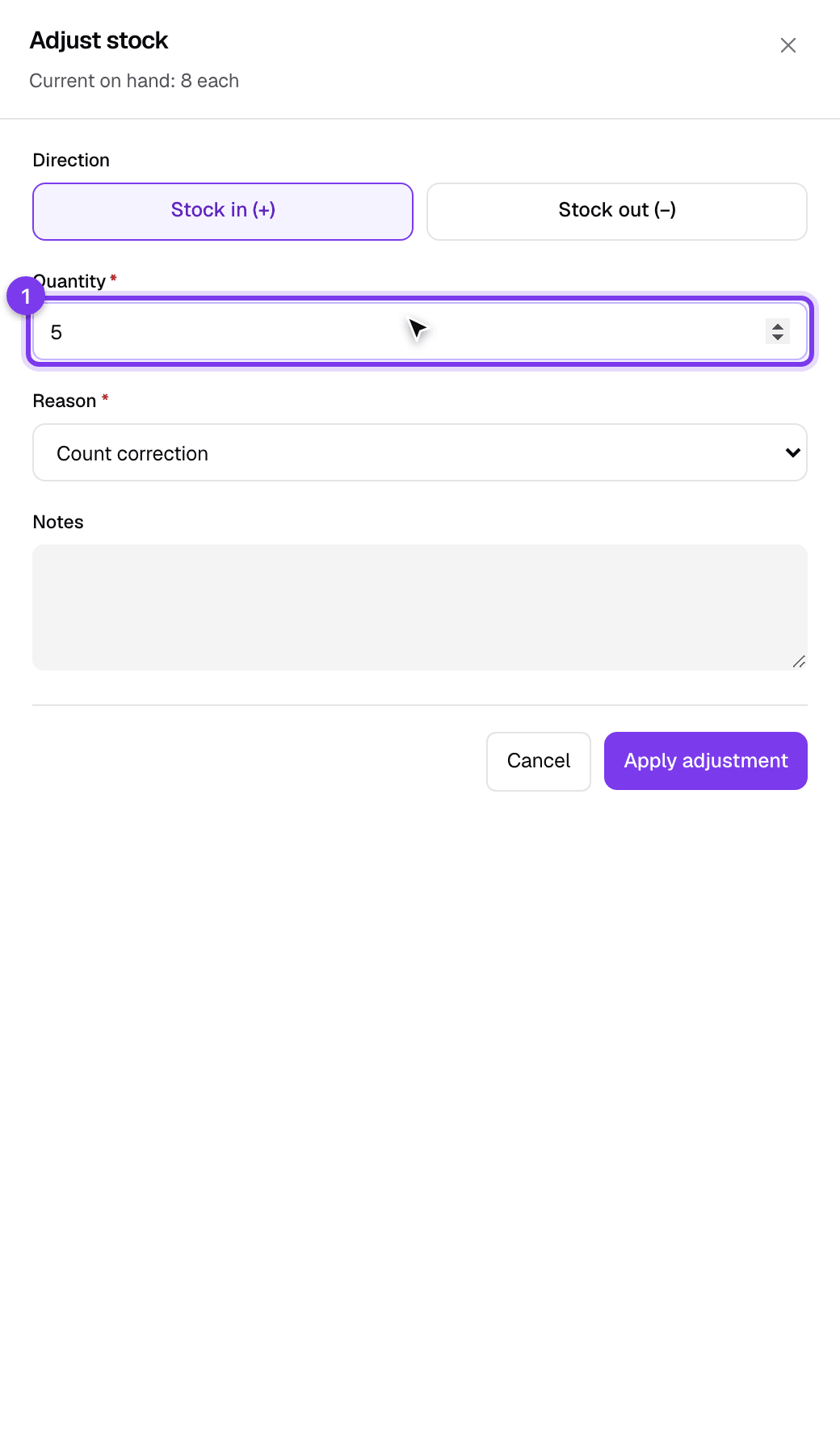
Most stock movements happen for you: receiving goods on a GRN adds stock, and issuing an invoice or delivery challan removes it, each counted exactly once. When you need to correct stock by hand, for example after a stock count or breakage:
- On the product's stock page, click Adjust stock.
- Choose Stock in (+) or Stock out (-), enter the quantity, and pick a reason.
- Click Apply adjustment. The change is recorded as a movement, so there is always a trail of why the number changed.
Movements and reorder levels
Every product's stock page lists its movements, each addition or removal with its date, reason and the document it came from, plus the running balance after each one. This is the audit trail: the on-hand number comes from these movements, never typed directly, so every change has a reason behind it.
Set a reorder level on the same page so the product is flagged in the list once it runs low.
Serial numbers
For products marked as serial-tracked, ClientOS follows each individual unit. Open Inventory, then Serials to see every serial, its current status (in stock, sold, returned) and its history from the goods receipt that brought it in to the invoice that sold it. Serial numbers are captured when you receive the goods (on the GRN) and again when you ship them, so a warranty claim can always be traced back to the exact unit.
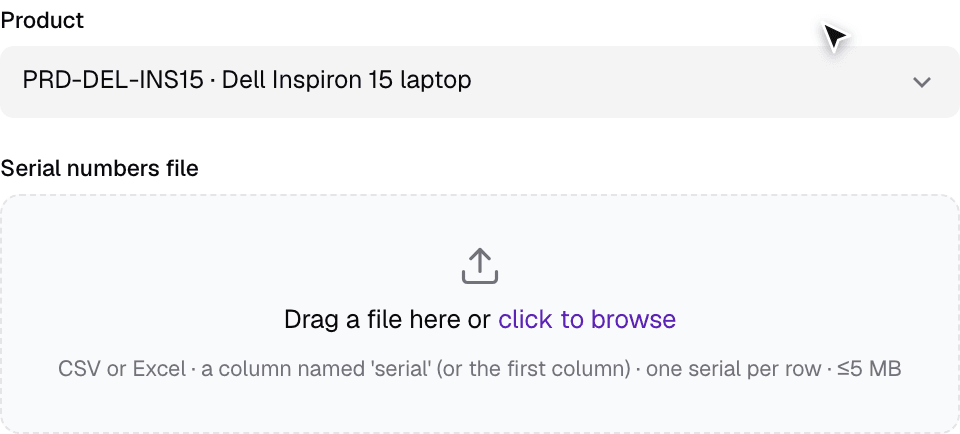
When you have a lot of serials to add at once, use Bulk import on the Serials page: pick the product, upload a CSV or Excel file with a column of serial numbers, and ClientOS adds them all to stock. Duplicates in the file are removed, and any serial number already in stock is skipped, so re-running the same file is safe.
Good to know
- Because every line comes from the catalog, changing an item's default price changes it for future documents only; documents already issued keep the price they were issued with.
- Services never affect stock; only products with a quantity move.
- Opening stock for a brand new setup is best loaded once through Data import rather than one adjustment at a time.