Settings tour
Settings is where you set up ClientOS to match your business. You visit it rarely, mostly when you first get started, so this page is just a map of what is there.
Open Settings from the bottom of the left menu.
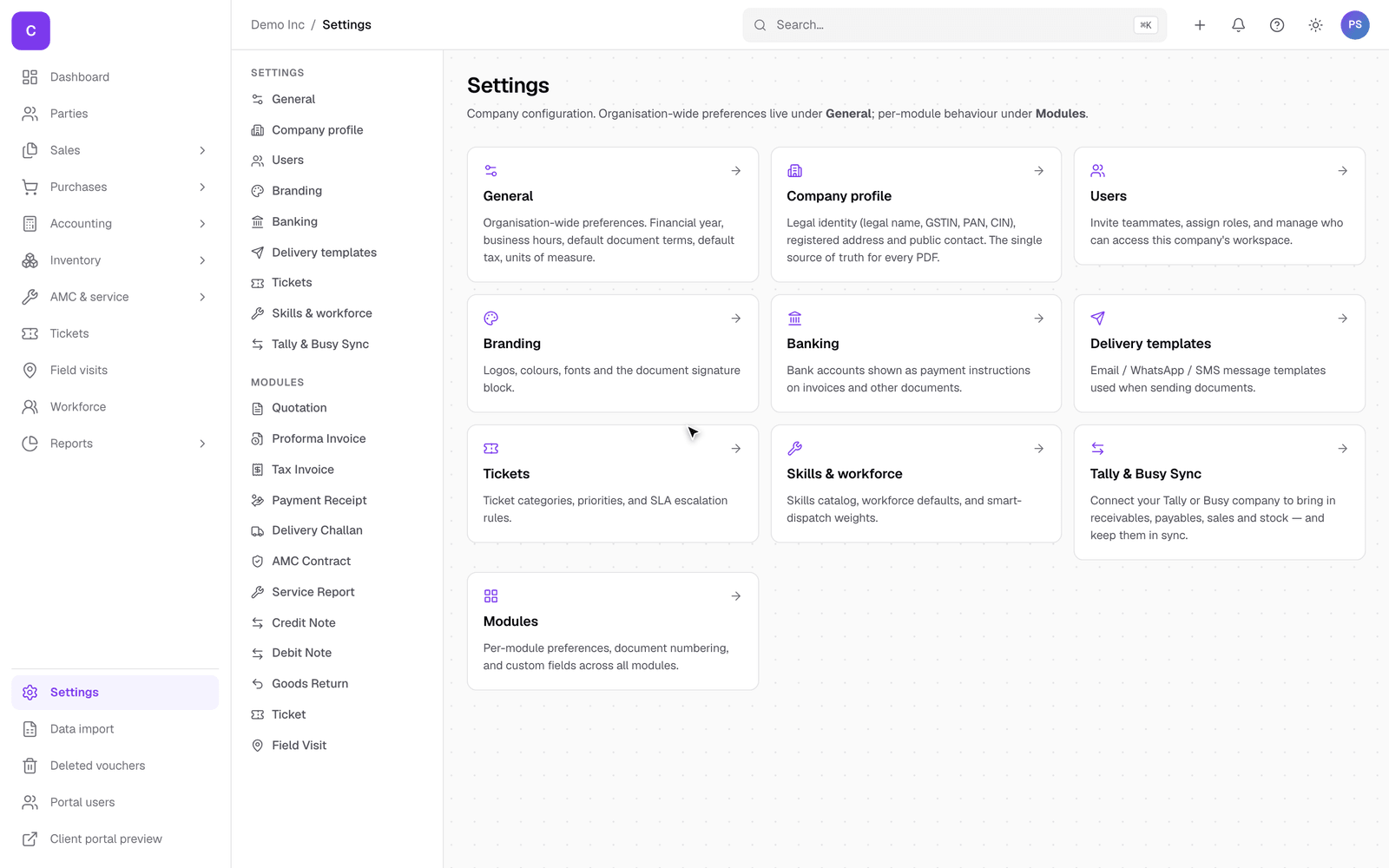
What each section is for
- General: the basics of your company in ClientOS.
- Company profile: your legal name, GSTIN, PAN, address and other statutory details that appear on documents.
- Branding: your logo and the look of your documents.
- Banking: the bank accounts your payments go into and that print on invoices.
- Users: your team and their roles. See the users and roles guide.
- Delivery templates: the wording of the messages sent with documents, and your sending identity. See the communications guide.
- Tickets and Skills & workforce: the categories, priorities and skills your service side uses.
- Tally & Busy Sync: connect your accounting company. See the Tally and Busy sync guide.
- Modules: per-module preferences, document numbering, and custom fields. Each document type (quotation, tax invoice, and so on) also has its own settings for the options specific to it.
Good to know
- Most of these you set once at the start and rarely touch again.
- Company profile, branding and banking are the three worth getting right first, because they show on every document your clients see.
- Only owners and admins can open Settings, so your wider team cannot change these by accident.