Create a quick invoice
Raise an invoice in under a minute: pick the customer, pick an item, save.
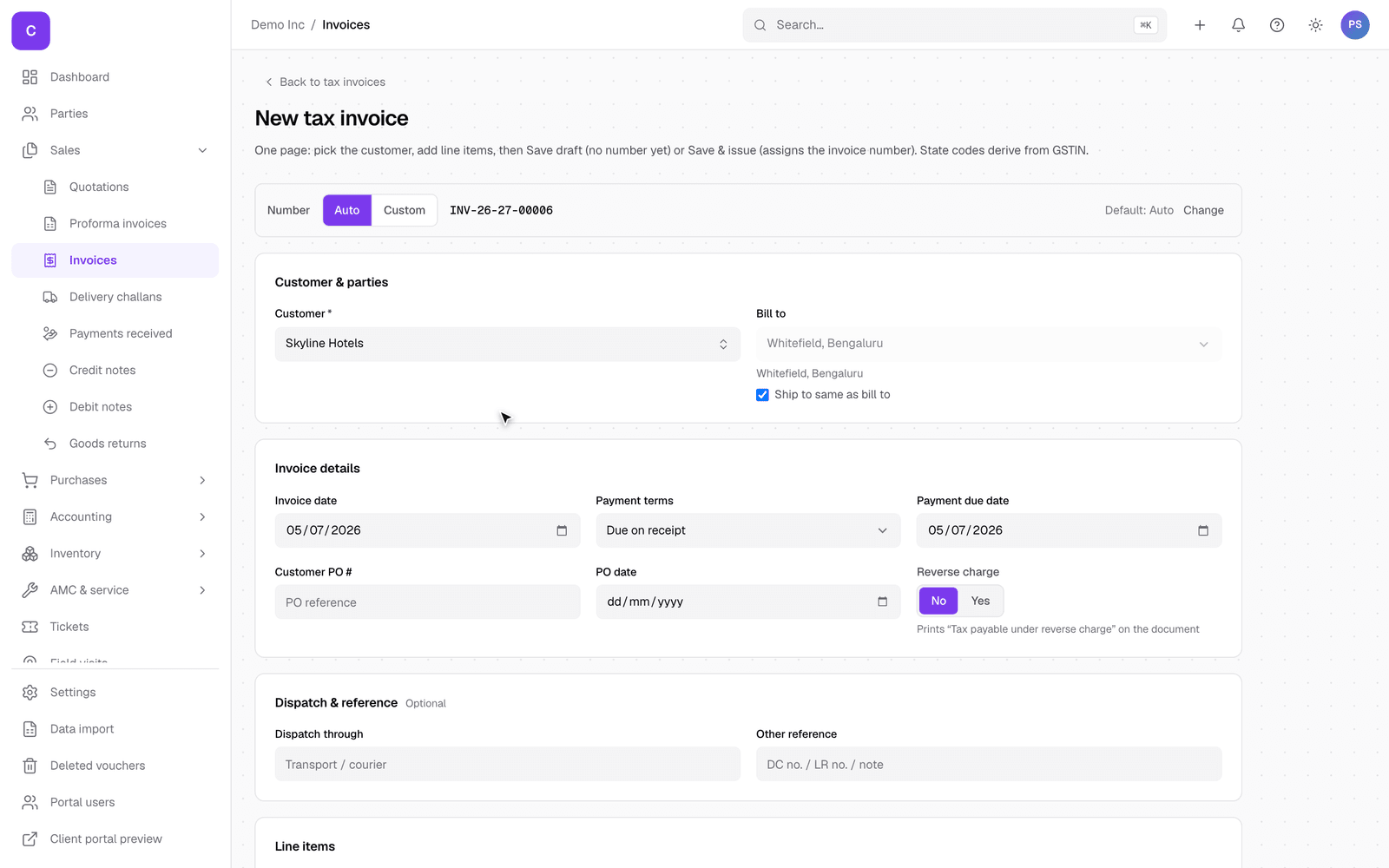
- Go to Sales, then Invoices, and select New invoice.
- Pick the customer. Start typing the name and choose from the list.
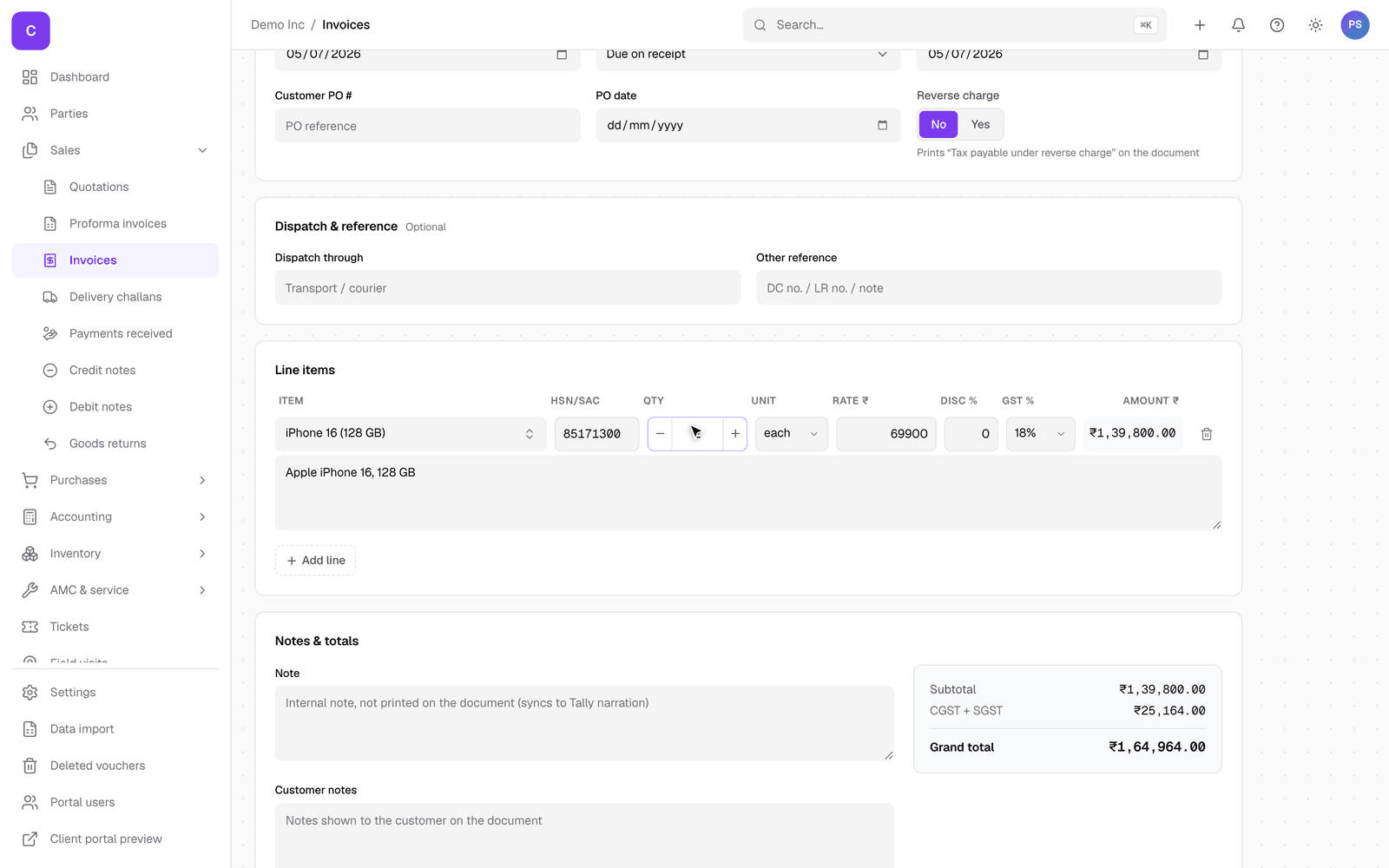
- Pick an item from your catalog. The price, HSN and GST fill in on their own; adjust the quantity if needed.
- Select Save draft. The invoice number is assigned only when you issue it, so a draft never uses up a number.
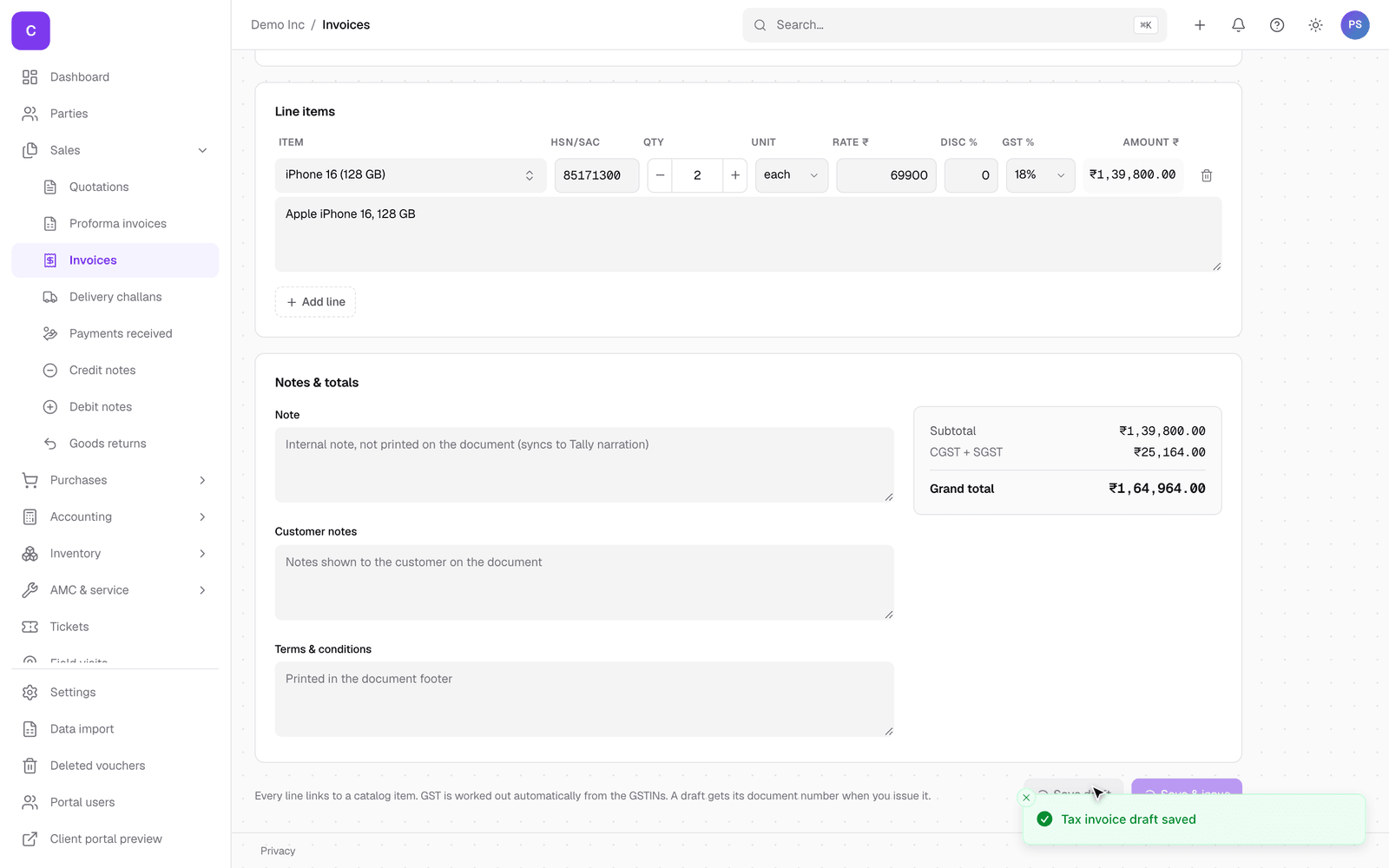
Tip: use Save and issue instead when you want the final numbered invoice in one go.